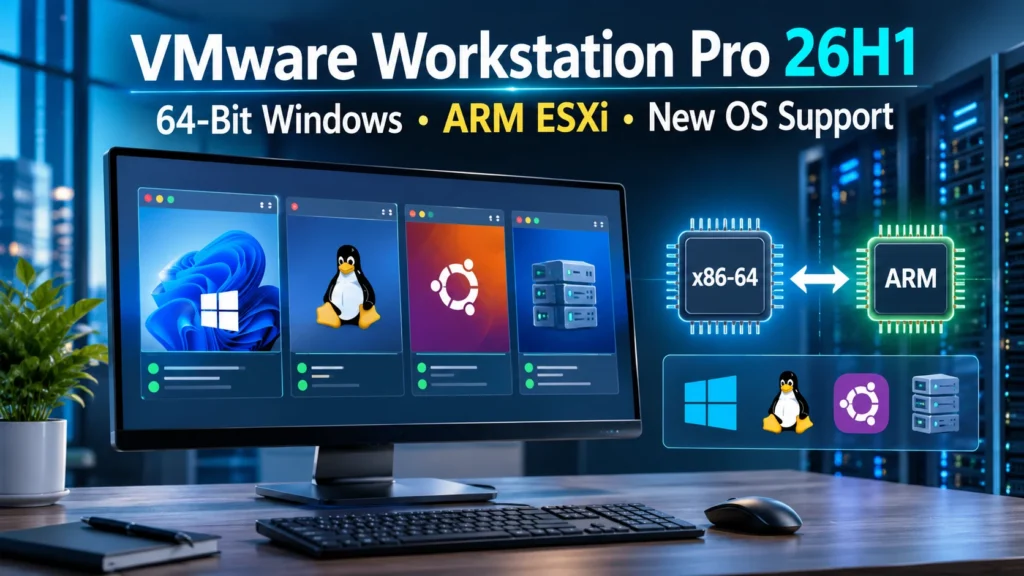
64-bit Workstation
The most relevant Windows change is that VMware Workstation Pro for Windows is now a 64-bit application. Broadcom says the binaries, libraries, installer components, and related services are delivered and run as 64-bit processes. WindowsPro notes that earlier versions were largely 32-bit and installed in C:\Program Files (x86)\VMware\VMware Workstation, while 26H1 moves the application to the standard 64-bit C:\Program Files location.

This does not mean that every Windows host will use VMware’s own virtualization engine. Broadcom documents that if Hyper-V or Windows Hypervisor Platform is active, Workstation Pro starts virtual machines through Windows Hypervisor Platform. Windows Hypervisor Platform is a Windows interface that lets third-party virtualization tools use the Hyper-V hypervisor. If these Windows features are inactive, Workstation Pro uses VMware’s hypervisor instead. Virtualization-based security, or VBS, is a Windows security design that uses virtualization features to isolate sensitive processes, and Broadcom states that VBS is built on top of Hyper-V.
VM metadata
Workstation Pro 26H1 records and reports virtual machine creation time and last powered-on time. This is useful in lab environments because you can identify stale virtual machines without opening each configuration. The release also displays virtual machine notes in folder tabs. Broadcom describes this as a visibility change, but the public documentation provides few implementation details, so you should treat it as a minor interface improvement rather than a management feature with new policy controls.
The saved credential format was also changed to make encrypted virtual machines and remote servers easier to identify in the host credential manager. The location is Control Panel > Credential Manager > Windows Credentials. This setting is also relevant when configuring a virtual Trusted Platform Module (vTPM) for a Windows 11 guest. A vTPM is a software-based Trusted Platform Module presented to a virtual machine.
ESXi ARM access
Workstation Pro and Fusion 26H1 can connect to remote ARM-based ESXi hosts for basic virtual machine operations. ESXi is VMware’s server hypervisor, meaning it runs directly on server hardware and hosts virtual machines. Broadcom’s blog adds an important limitation: ESXi ARM Server is in Tech Preview mode. A technology preview is not usually a feature you should depend on for production administration unless the vendor explicitly supports it.
For remote management, Broadcom documents the path File > Connect to Server. You enter the ESXi or vCenter Server hostname or IP address, username, and password. vCenter Server is VMware’s central management server for ESXi hosts and virtual machines. The remote server must run ESXi or vCenter Server 4.1 or later. Workstation Pro can save the login with Remember, suppress prompts for a host with Never for this Host, or avoid saving the credential with Not Now.
Platform support
The new supported guest operating systems are Ubuntu 26.04 LTS, Fedora 43, Fedora 44, SUSE Linux Enterprise 16, openSUSE 16.0, and FreeBSD 15.0. The new supported host operating systems for Workstation Pro are Ubuntu 26.04 LTS, Fedora 43, Fedora 44, SUSE Linux Enterprise 16 GA, and openSUSE 16.0. Broadcom’s separate host operating system page says Workstation Pro installs on Windows and Linux hosts, but points to KB80807 for the full support matrix.
Requirements and upgrade
Broadcom lists a compatible 64-bit x86/AMD64 CPU launched in 2011 or later as the general processor requirement. To run 64-bit guest operating systems, the host needs AMD-V on AMD processors or VT-x on Intel processors, and Intel VT-x must be enabled in firmware. The minimum memory requirement is 2 GB of RAM, with 4 GB or more recommended. These values are minimums only. A Windows 11 virtual machine or multiple concurrent test machines will need more memory than the host’s minimum.
To upgrade on Windows, Broadcom says you run the Workstation Pro setup program as a local administrator. The installer uninstalls the previous version, the host may restart, and you then complete the wizard. Remote connections and virtual machine sharing are enabled by default during upgrade. After the restart, the VMware Workstation Server service starts automatically. If you previously mapped bridged networks to specific adapters, Broadcom says you must recreate those mappings.
Known issue
There is one documented Windows upgrade issue. If the new installation path differs from the old one, ISO files from the previous installation are not automatically removed. Broadcom gives C:\Program Files (x86)\VMware\VMware Workstation\windows.iso as an example. You can avoid this by uninstalling the earlier version before upgrading and saving the product configuration, or by deleting the old ISO files and folders manually after the upgrade.
Availability
Broadcom says Workstation Pro 26H1 is available through the Broadcom Support Portal and is free for commercial, educational, and personal use, with no license key required. WindowsPro notes that a Broadcom account is still required for downloads. VMware Workstation Player 26H1 is also listed as a separate download, which matters if you only need to run existing virtual machines rather than administer the full Workstation Pro feature set.
Linux Server Administration 2026 : Complete Guide to Managing & Securing Linux Servers